A little help from Eki.
Describe what you want to do. Let Eki help you set it up and notice your progress. Connect your own assistant on Mac when you want to go further.
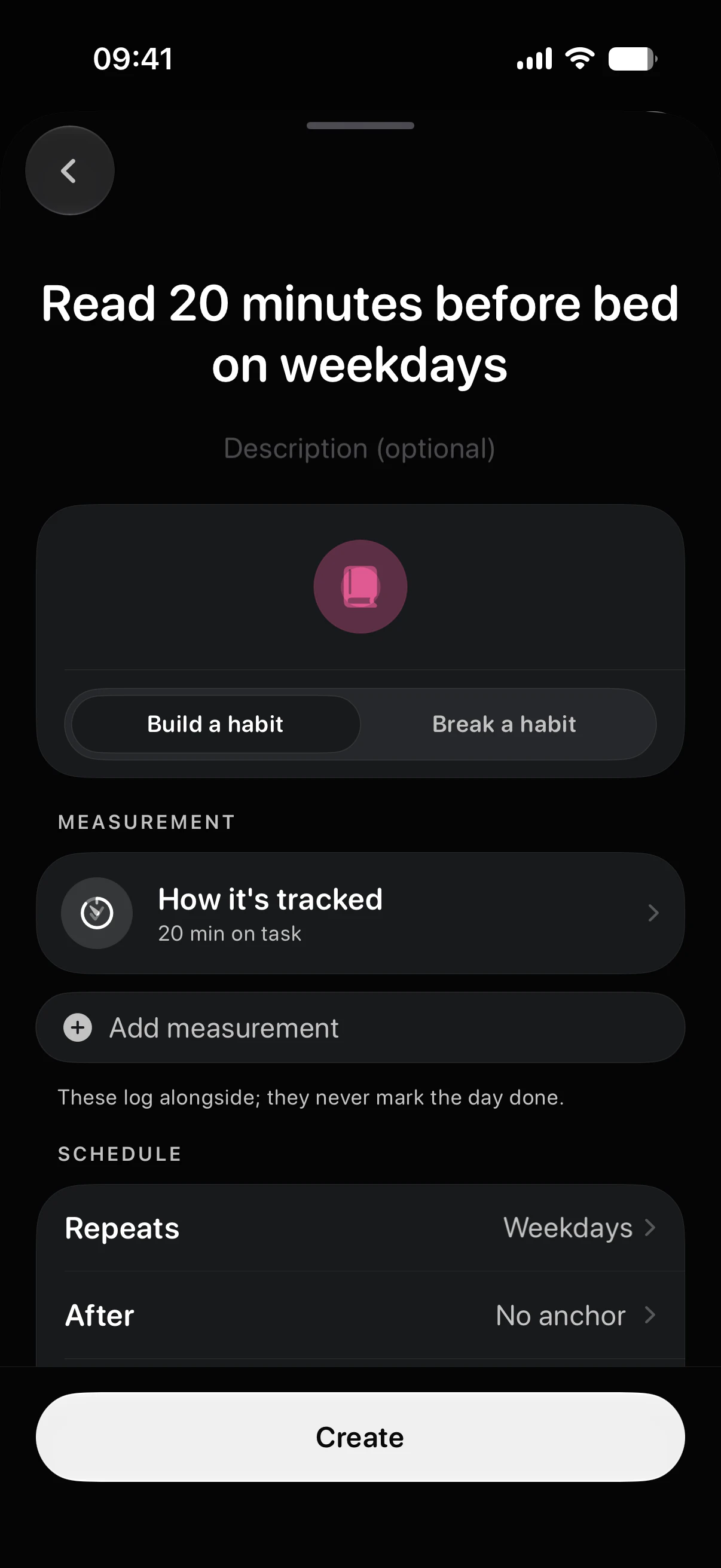
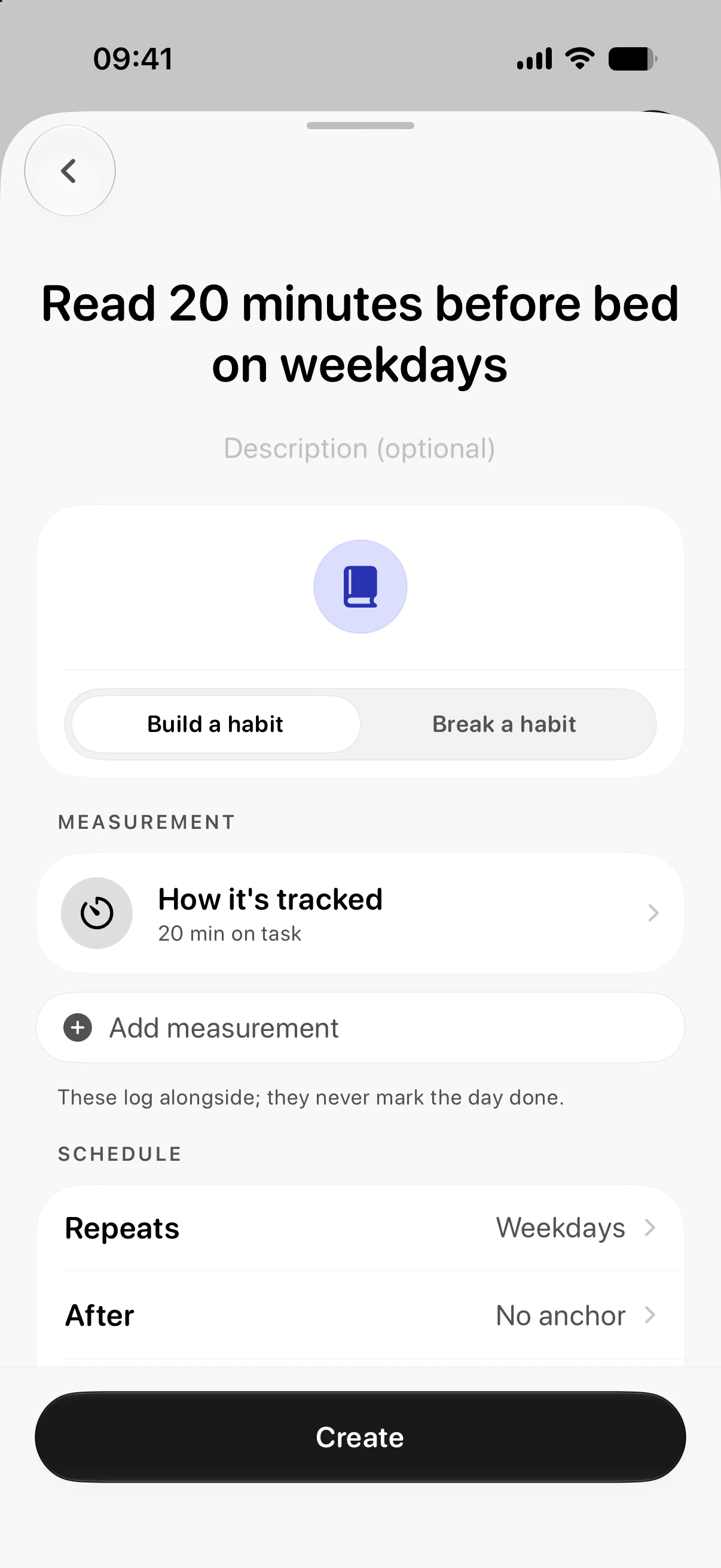
A habit from a sentence.
Type it the way you'd say it. Eki’s built-in tools read your words and set up the habit on your device. With Eki Pro, Apple Intelligence can refine the meaning and how it fits into a routine.
Habit creation is free. Apple Intelligence refinement requires Eki Pro and a supported device.


A note from Eki.
Each week, Eki helps you notice what’s going well and what could use a little attention. Based on your habits, written on your device.

Eki
A little perspective
“On days you took a walk, you also tended to log your water. A pattern worth noticing next week.”
Still here to help.
No Apple Intelligence? You can still describe a habit in your own words and get a weekly summary from your numbers. Eki’s built-in tools handle the basics.
Bring your own assistant.
On the Mac, Eki runs an MCP server. Claude, ChatGPT or any compatible agent can review progress, draft a habit plan and apply it after you approve the exact changes.

Connect in three steps.
Mac only, with Eki Pro. The helper is included in the app.
Turn on the connection.
Open Eki on your Mac, then Settings → Connections. Enable MCP and choose what your assistant may access.
Add Eki to your assistant.
Use an assistant that supports local MCP servers. Add the configuration below using its setup instructions.
Configuration for a local connection
{
  "mcpServers": {
    "eki": {
      "command": "/Applications/Eki.app/Contents/Helpers/EkiMCPHelper"
    }
  }
}
This example assumes Eki is in Applications. Adjust the path if you installed it elsewhere. Setup varies by assistant.
Start with a question.
Try “What went well with my habits this week?” If you ask for a plan, review the exact changes before approving them.
A conversation with your habits in context.
Your assistant
With Eki via MCP
This prompt field is an illustration. Connect your own assistant to chat with your habits.
You choose what crosses the connection.
Off until you enable it
Mac only, with Eki Pro, and off until you turn it on in Settings, Connections.Separate permissions
Read access, habit changes, notes and Apple Health sharing each have their own permission.Preview before applying
Habit plans are previewed first. Applying one requires the short-lived approval Eki returns for those exact changes.Health stays read-only
Health-linked habits stay read-only over MCP, even when Health sharing is enabled.Local connection, your assistant’s privacy terms
The connection to Eki runs locally on your Mac. Your chosen assistant may process shared context with its own cloud service and privacy policy.


Start with today.
One habit is a good beginning. Everyday tracking stays free.


iPhone, Apple Watch and Mac · iOS 26, watchOS 26 and macOS 26 or later